
Find a trade
Filter the Trades page by what you want and what you have.
Open Trades
It’s in the top bar (on phones, the first tab). The newest trades come first.
Say what you want
Tap I want and pick an item. Tap I have to pick one of yours too.
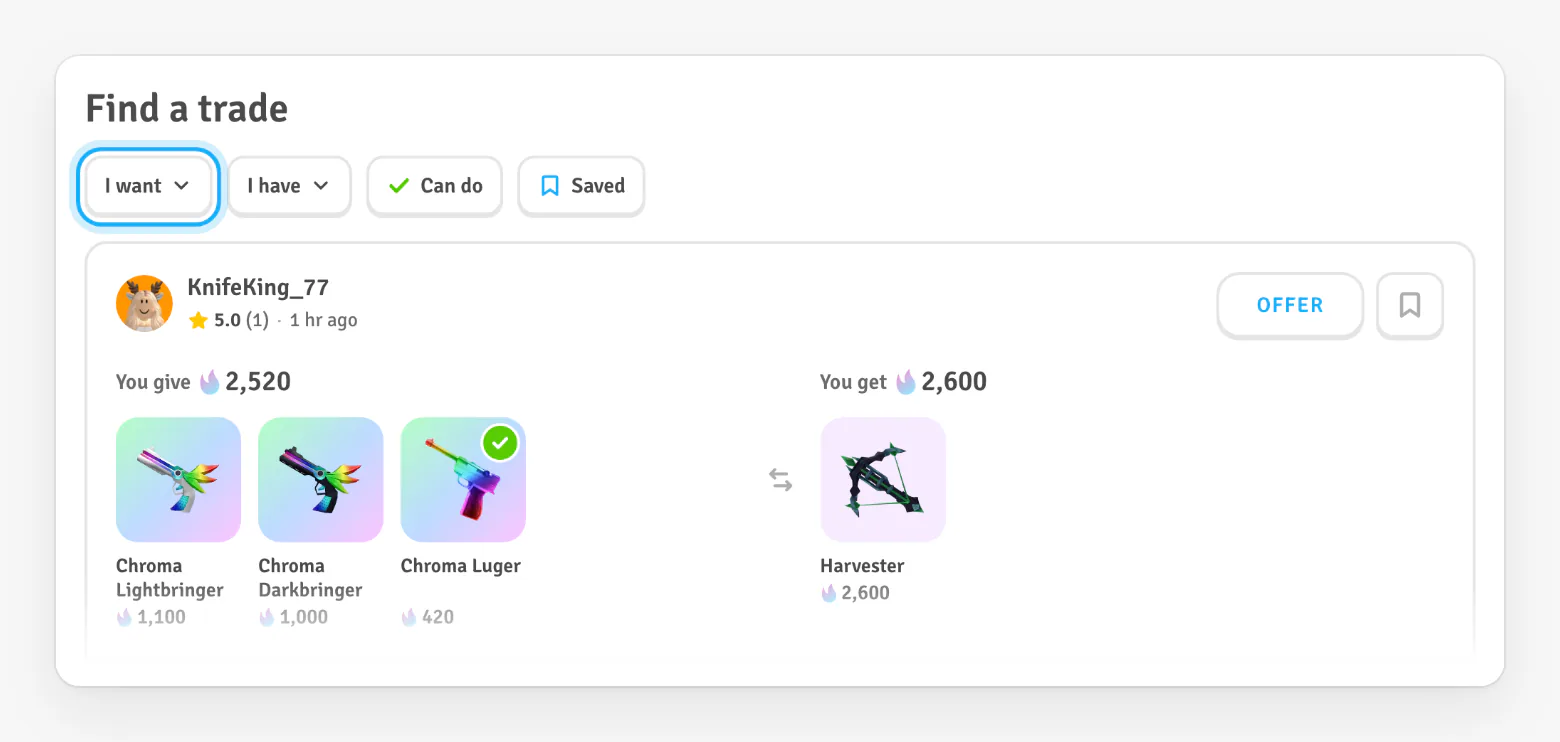
Or tap Can do
Can do shows only trades you can do with your items.
Open a trade
Tap a trade to see it on its own page, with the trader’s rating and their other trades.

Reading a trade
- You give is what they want from you. You get is what they give.
- The number by each side is its total value. A green You have it means you own that item.
- The stars are the trader’s rating from reviews.
Save a trade for later with the bookmark next to Offer. Find it again under Saved.
Still stuck? Email [email protected] and we’ll help.