
Send an offer
Pick what you give and send it to the trader.
Press Offer
Every trade has an Offer button on its right.
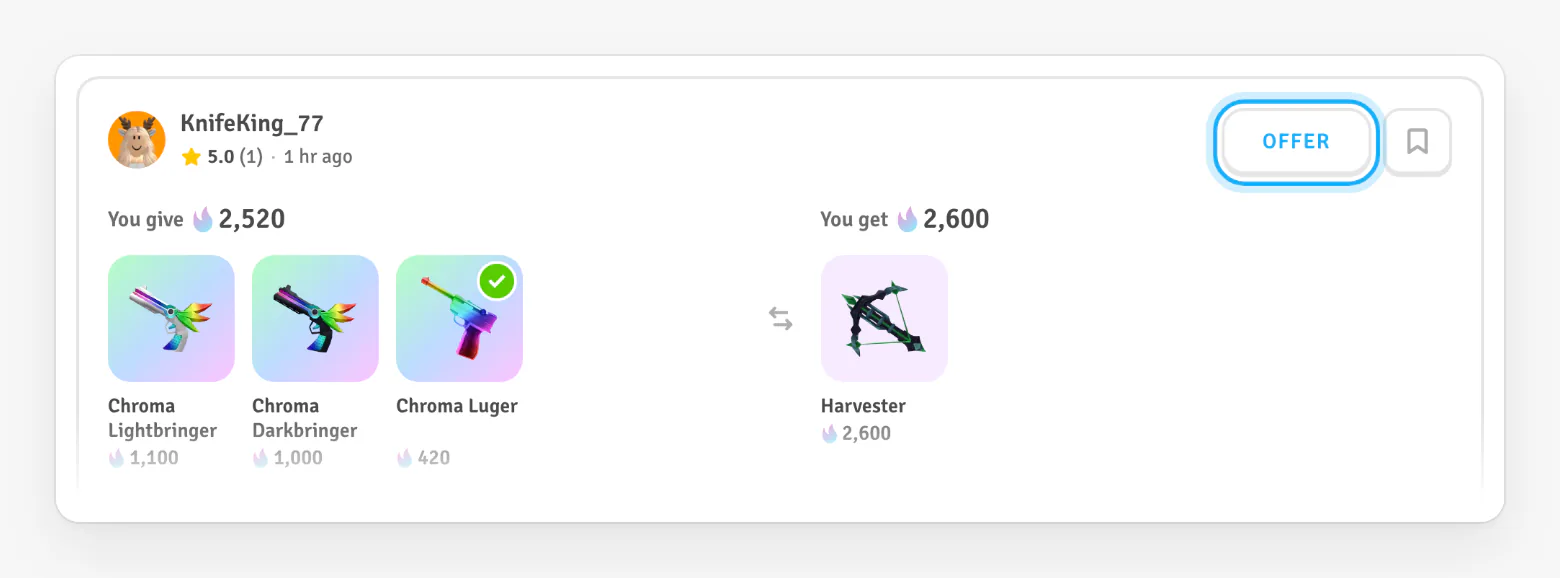
Check what you give
Your side starts with the items they asked for that you have. Press Change what I give to pick others.
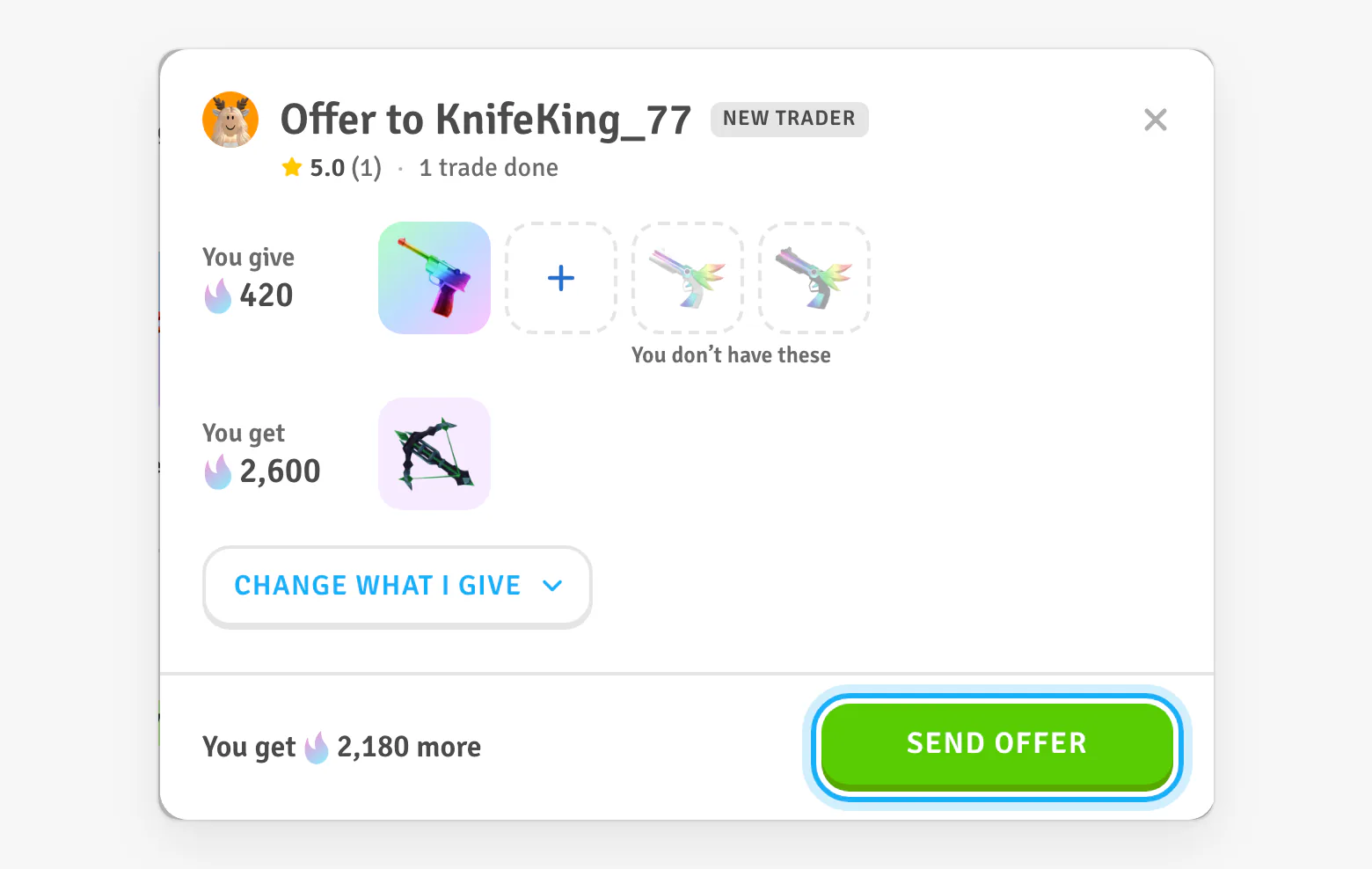
Press Send offer
The line above it shows how the two sides compare: if one is worth more than 1.5 times the other, it says too far apart and what to ask for instead. Their answer comes to Chats.


An offer waits up to 3 days for an answer. You can also send an offer from someone’s page: press Offer there.
Items they want that you don’t have show faded, marked You don’t have it.
Still stuck? Email [email protected] and we’ll help.