
Trade in MM2 and press I got it
Swap the items in MM2’s trade window, then tell values.io you got them.
Open the trade window
In MM2, send the other trader a trade, or accept theirs.
Check every item
Look at each name, its kind (like Chroma) and how many. If they change anything, check again.
Accept in MM2
Both sides change hands at the same moment.
Press I got it
Back in your chat, press I got it once the items are yours.
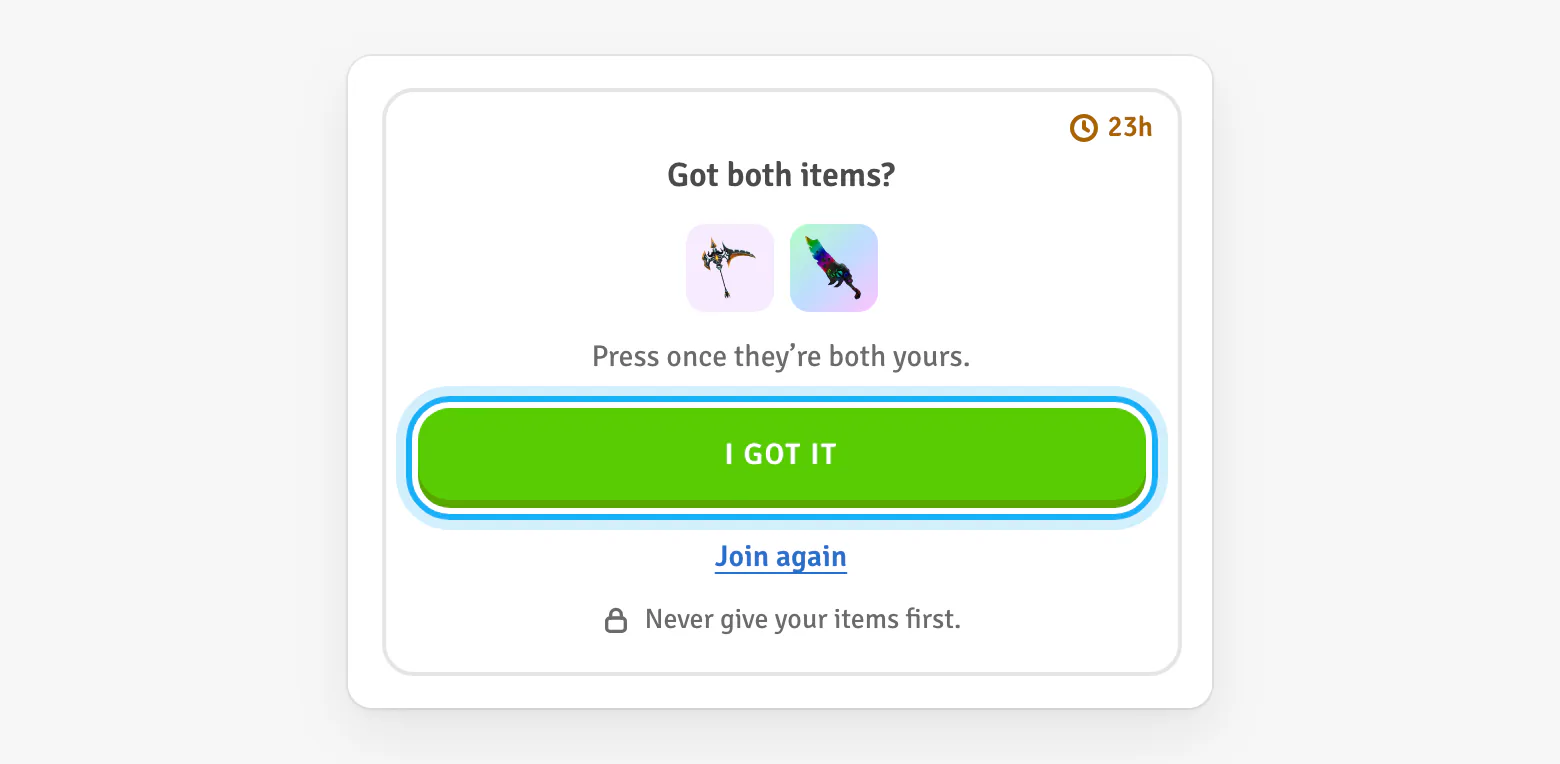

When you both press it, the trade is done and your items move on values.io by themselves. Then you can leave a review.
Never give your items first, and never use a “middleman”. In the trade window, both sides change hands at once.
Still stuck? Email [email protected] and we’ll help.