
Post a trade
Say what you give and what you want. Offers come to your Chats.
Press Post
It’s the green + Post in the top bar. On phones, it’s the big + at the bottom.
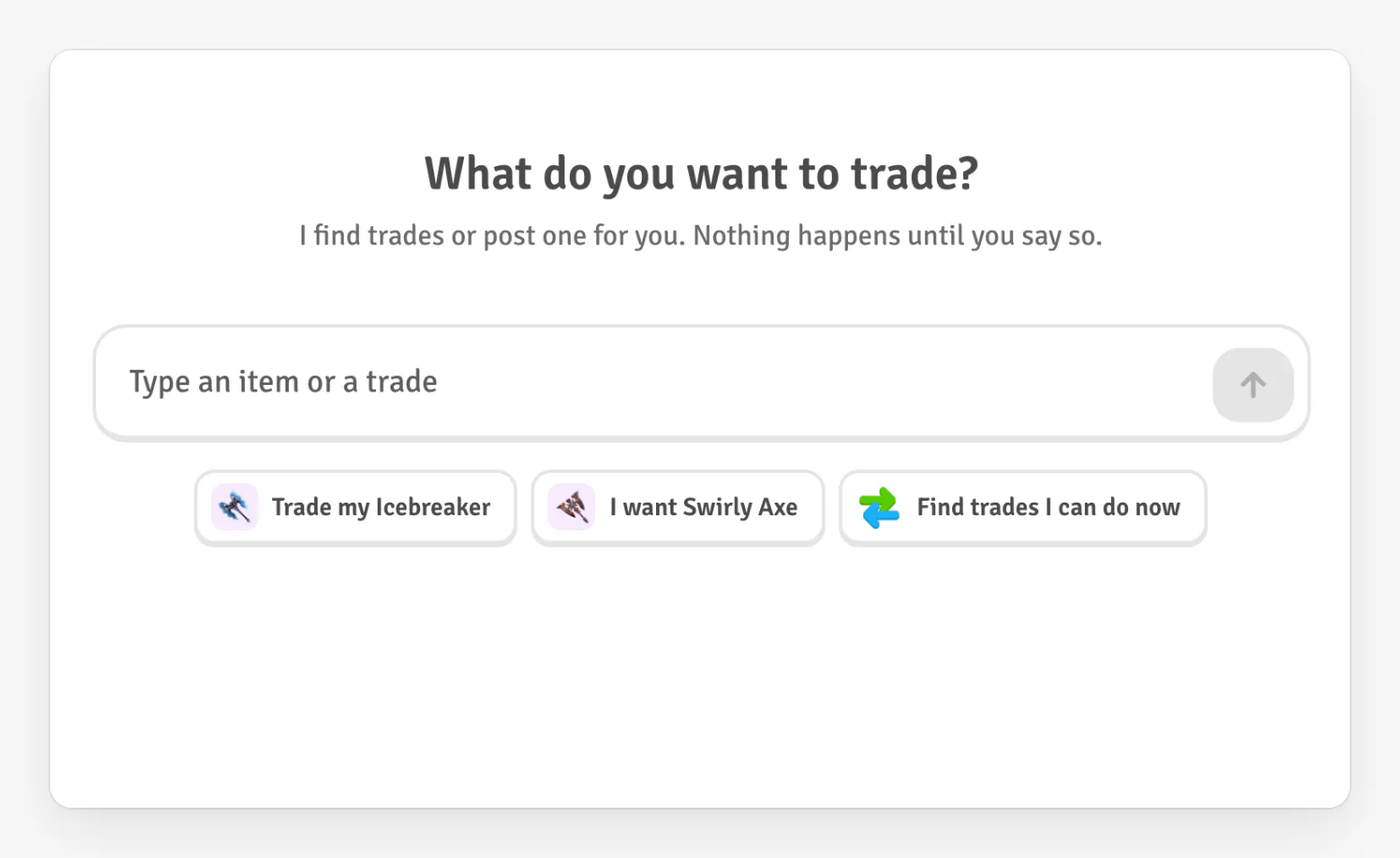
Say what you want to trade
Type it, like “my Harvester for a Chroma”, or tap a suggestion. The chat drafts your post.
Check it
The post shows You give and You want. Press Change to add or take out items, then Done.
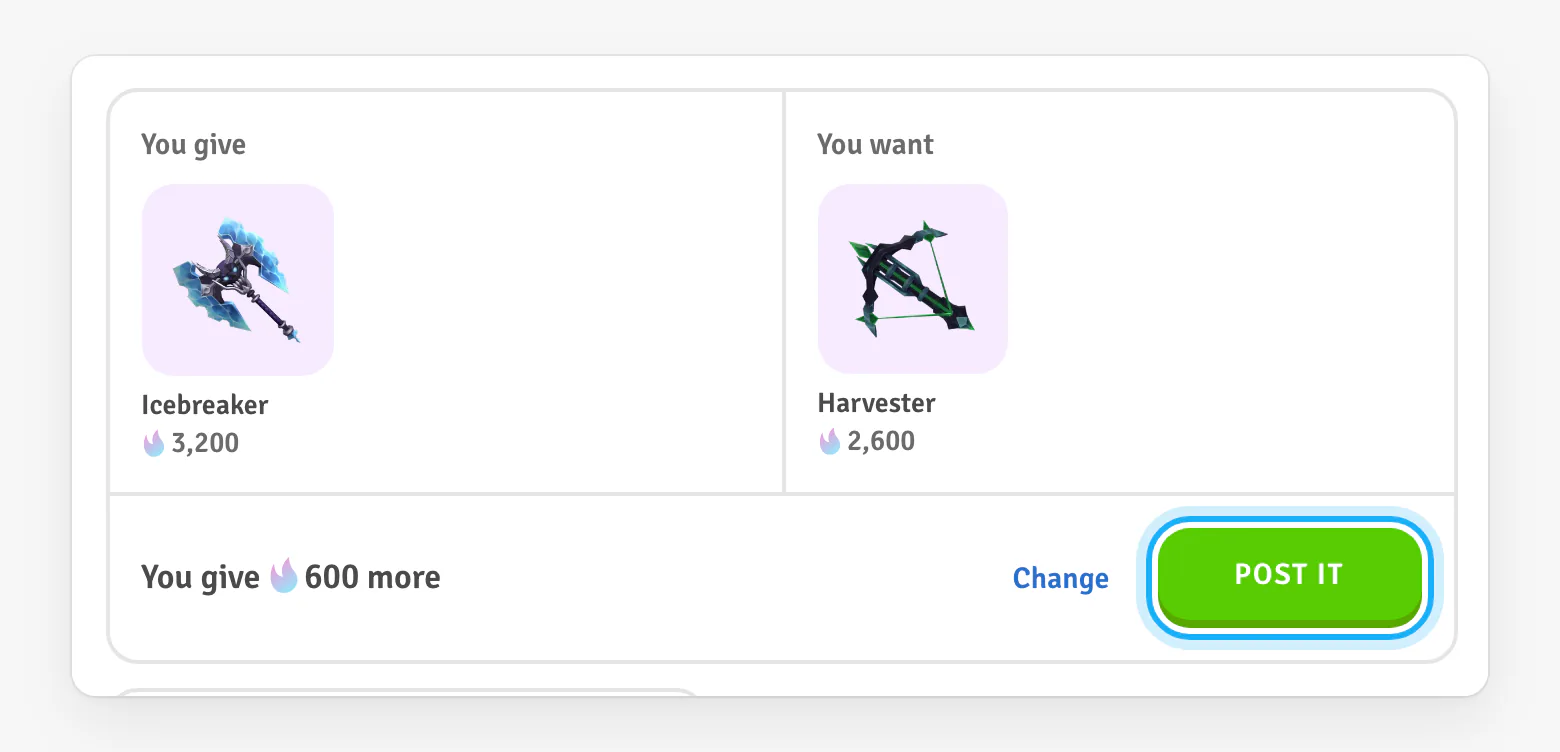
Press Post it
Your trade is up for 3 days. Offers on it show in Chats.


Not sure what you want? Pick Open to offers, and people offer you what they have.
You can have 5 trades up at once. Each side can hold up to 4 items, and neither side can be worth more than 1.5 times the other (why).
Still stuck? Email [email protected] and we’ll help.