
Add your items
Tell values.io what you have in MM2, so offers and trades fit you.
Open Your items
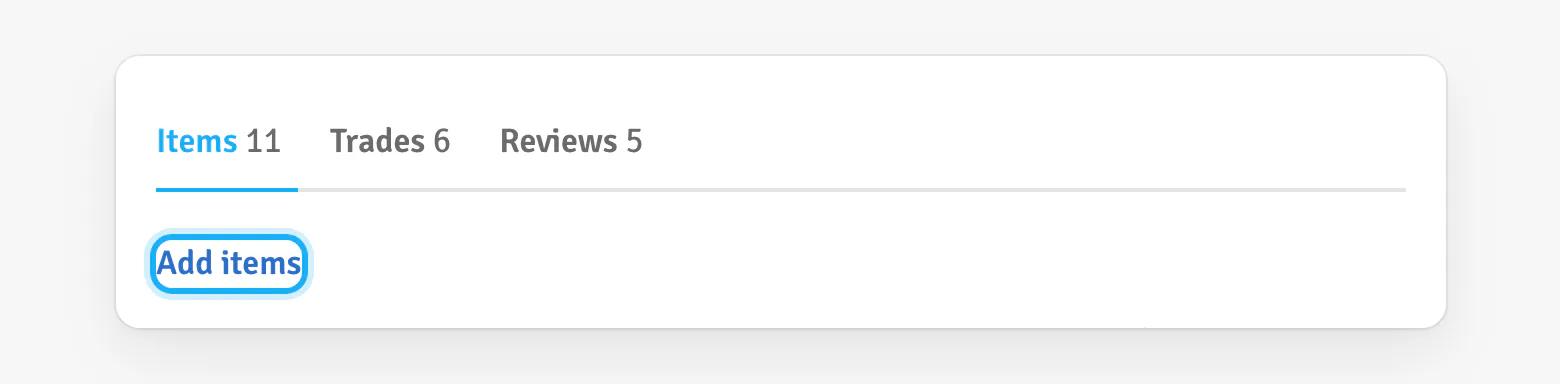
Go to your page and open the Items tab, then press Add items. With no items yet, the button says Add your items.
Tap what you have
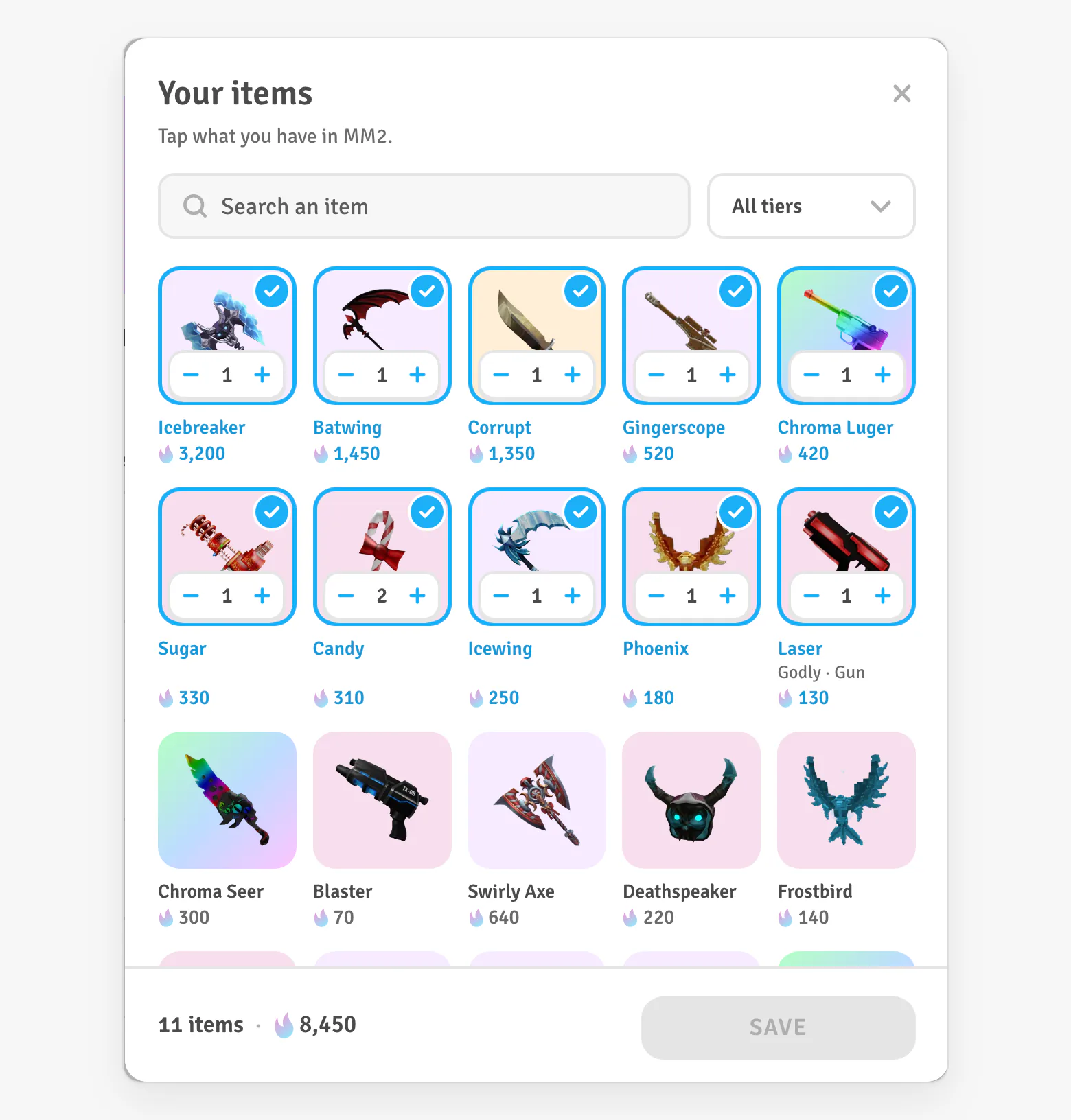
Find items with Search an item or the tier menu. Tap an item to add it, and use − and + to say how many you have.
Save
Press Add 3 items (it counts your picks), or Save changes when you’ve changed some.


Why add them
- Offers start with the items a trader wants that you have.
- Trades you can do show You have it, and Can do on the Trades page finds them for you.
- Your page shows what your items are worth.
After a trade on values.io, your items move by themselves once you both press I got it.
Still stuck? Email [email protected] and we’ll help.