
Join the private server
When you both say yes, your trade gets a place in a values.io private server when one is free.
Open your chat
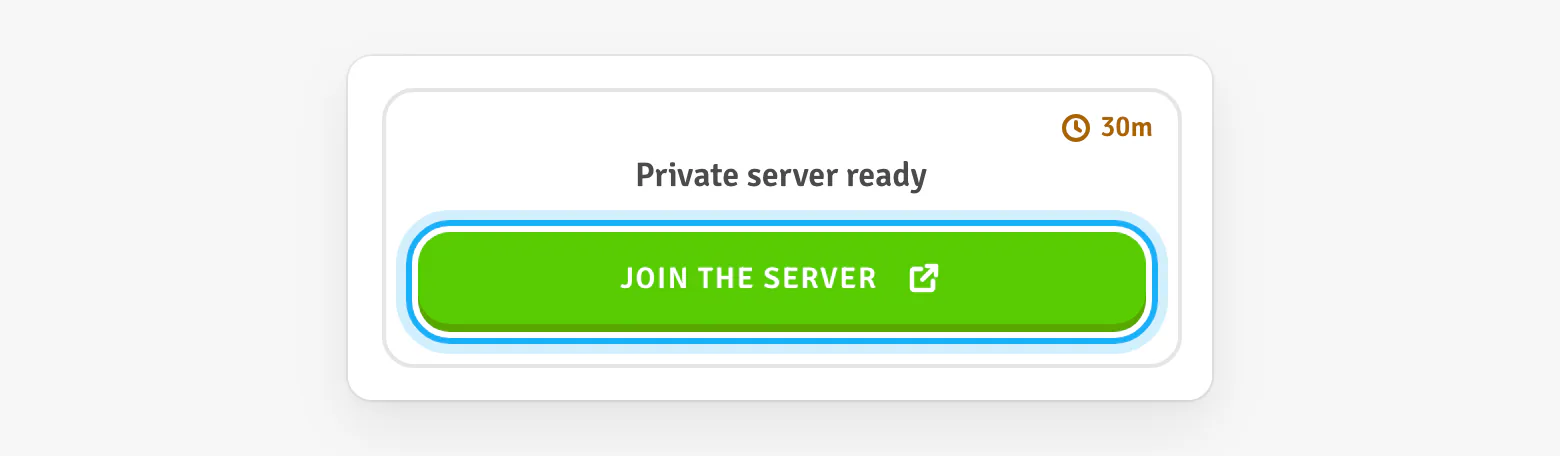
Once you both say yes, your chat shows Private server ready when one is free.
Press Join the server
On a phone it opens the Roblox app. On a computer it opens in a new tab.
Find each other
The card says when the other trader is in. A few trades share each server, so it’s much quieter than a public one.

Your place in the server lasts 30 minutes for you both to join, then 10 more once you’re both in.
No private server for your trade? The card says so. Meet in a public server, or press Check for a private server to look once more.
Still stuck? Email [email protected] and we’ll help.