
Sign in with Roblox
Use your Roblox account. values.io never sees your password.
Press Sign in
It’s the green button at the top right, on phones too.

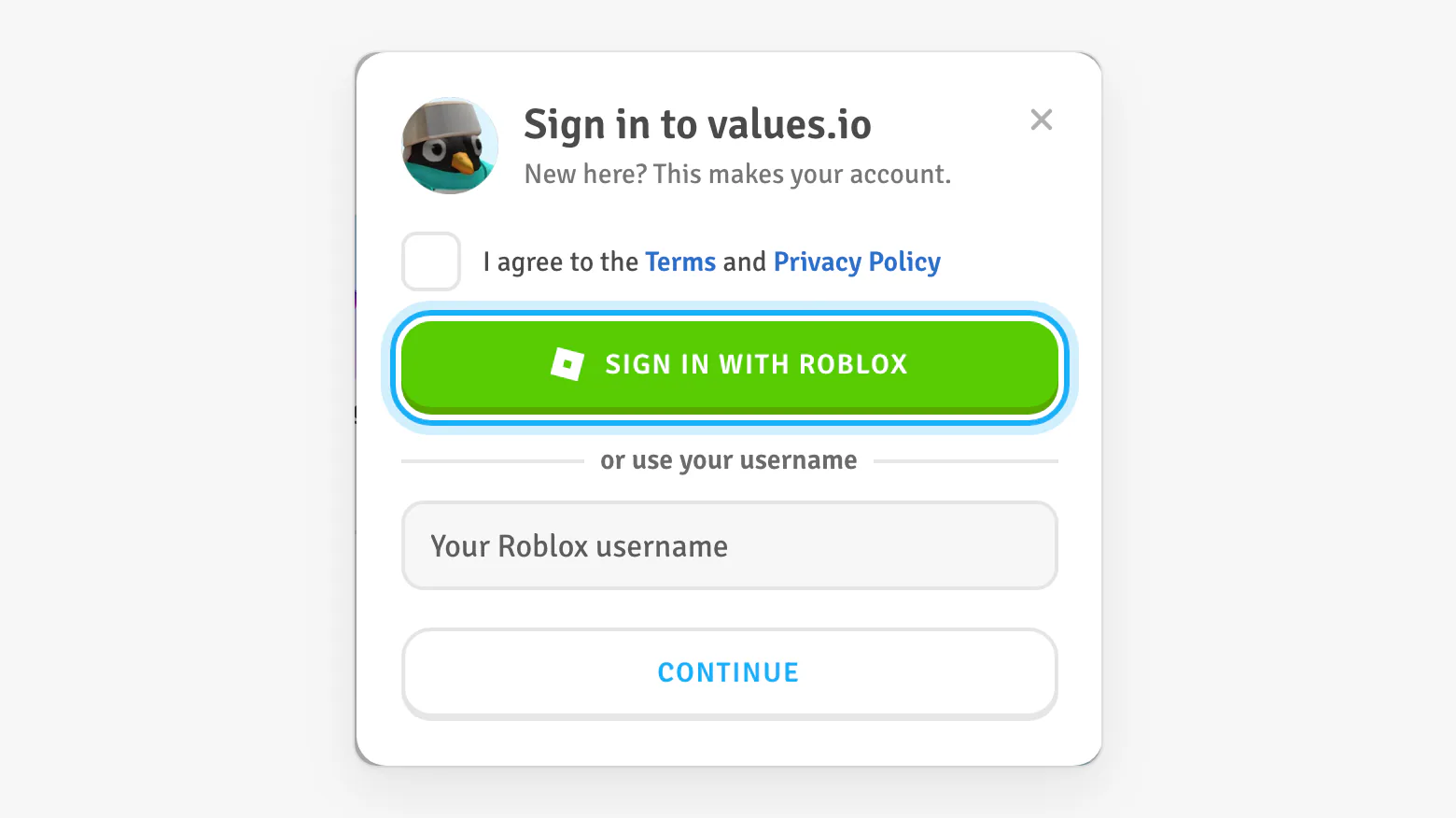
Tick the box
Read the Terms and the Privacy Policy, then tick I agree to the Terms and Privacy Policy.
Press Sign in with Roblox
Roblox’s own page opens. Sign in there if you need to, and say yes to values.io.
You’re in
Roblox sends you back to values.io, signed in. The first time, this makes your account.


Your password only ever goes to Roblox, on roblox.com. If a page that isn’t roblox.com asks for it, close it.
Can’t sign in to Roblox on this phone or computer? Sign in with your Roblox username instead.
Still stuck? Email [email protected] and we’ll help.