
Sign in with your Roblox username
Prove the account is yours by favouriting a game or adding words to your About.
No Roblox sign-in on this device? Type your username, then show values.io the account is yours with a small change on Roblox.
Type your Roblox username
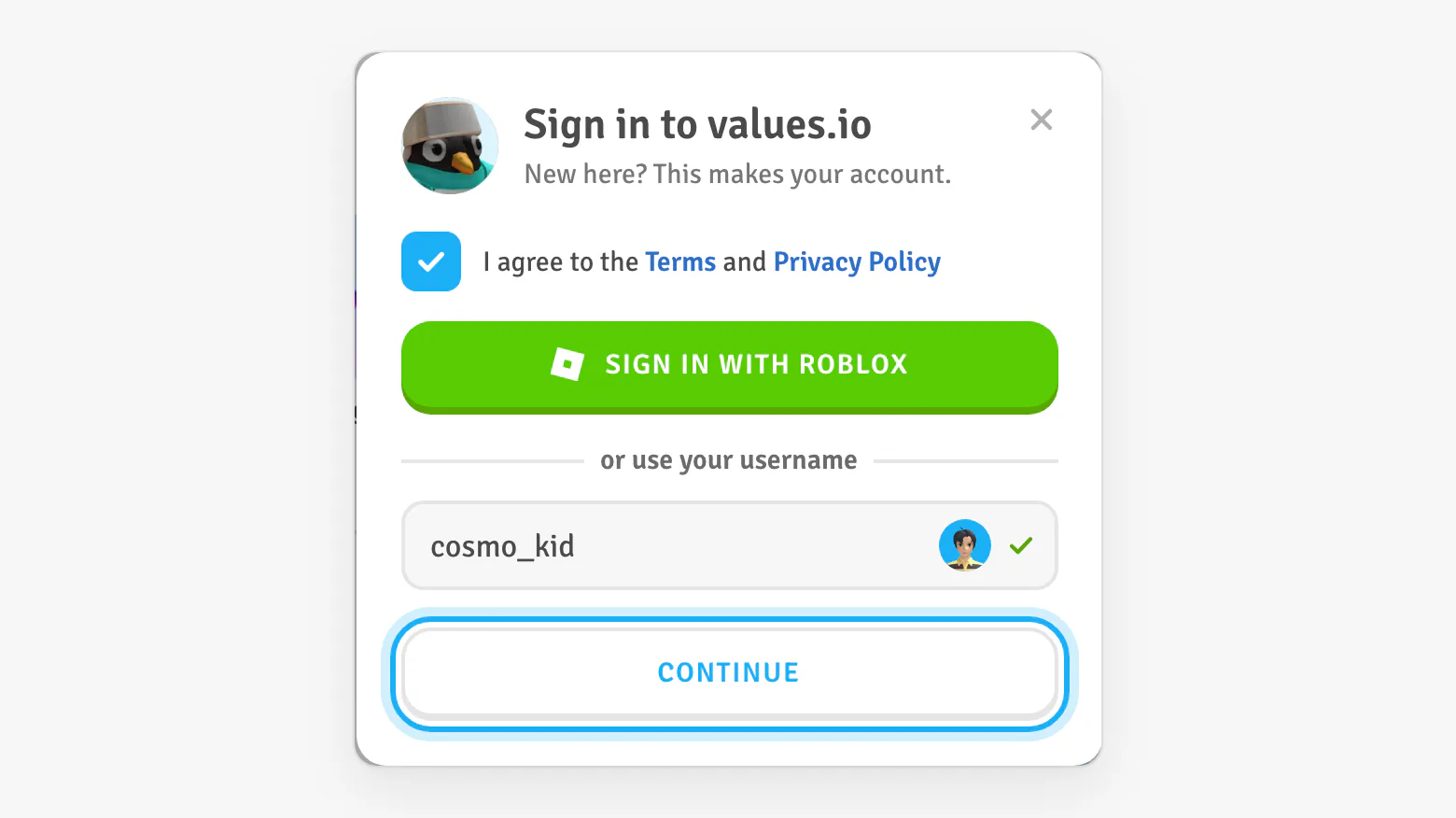
Press Sign in, tick the box, then type your username in Your Roblox username. Your picture shows when it’s found. Press Continue.
Favourite the game it shows
Press Open on Roblox, tap the ☆ on the game’s page, then come back. You can unfavourite it afterwards.
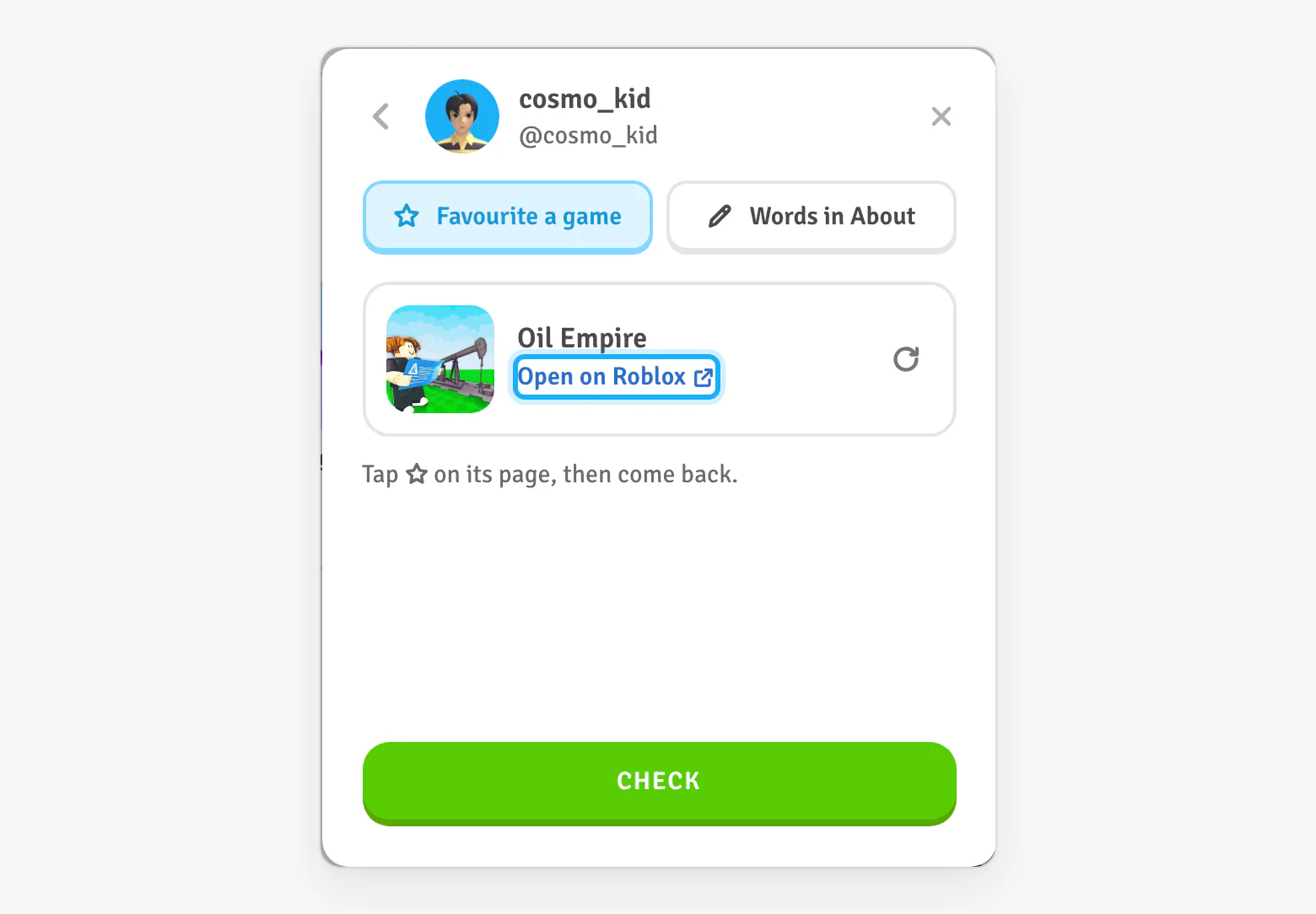
Press Check
values.io looks on Roblox for you, for up to 3 minutes. Once it sees it, you’re signed in.


Or put words in your About
Pick Words in About instead. Press Copy words, then tap About under them: your Roblox profile opens. Paste all 12 words in your About and save. Then press Check.

Favourites private on Roblox? values.io switches to words by itself. Press ↻ for another game or new words.
Already on values.io and signing in on a new phone or computer? Use words in your About, or Sign in with Roblox. The game only works where you signed in before, so nobody can take your account by asking you to favourite a game.
Still stuck? Email [email protected] and we’ll help.