
Turn on notifications
Get offers, messages and alerts on your computer or Android phone.
Open Settings, then Notifications
Press your picture at the top right, then Settings.
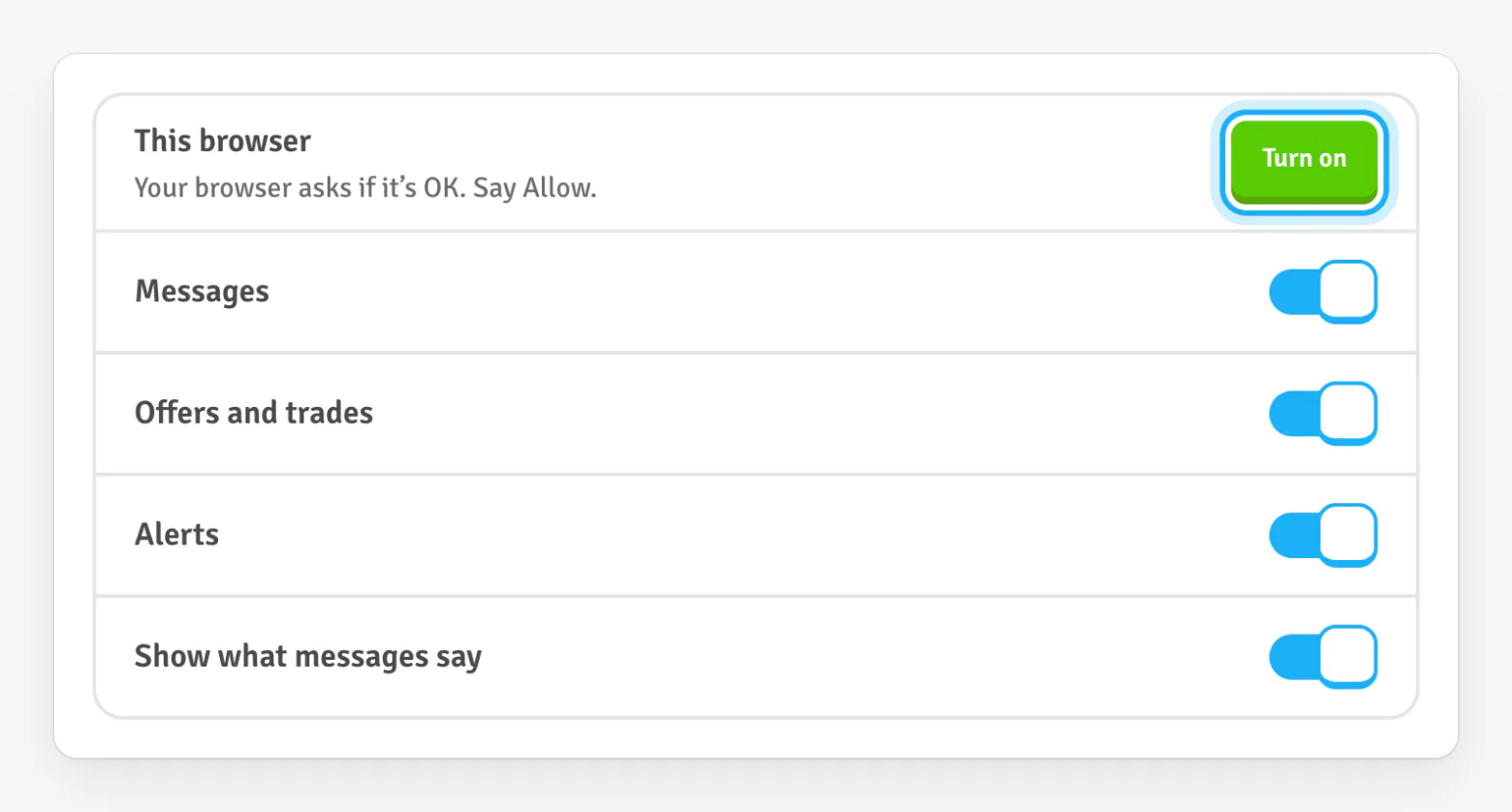
Press Turn on
Your browser asks if it’s OK. Say Allow.
Try it
Press Send a test. A notification should pop up.

Pick what you get with Messages, Offers and trades and Alerts. Turn off Show what messages say to hide the words of a message.
Do it once on every phone and computer you use. On an iPhone? It needs one more step.
Still stuck? Email [email protected] and we’ll help.