
Notifications on iPhone and iPad
Add values.io to your Home Screen first. It takes 20 seconds.
An iPhone or iPad only sends notifications from apps on its Home Screen. values.io can be one:
Tap Share
In Safari, it’s the square with an arrow. In Chrome, it’s in the address bar.
Tap Add to Home Screen
Scroll down the list if you don’t see it, then tap Add.
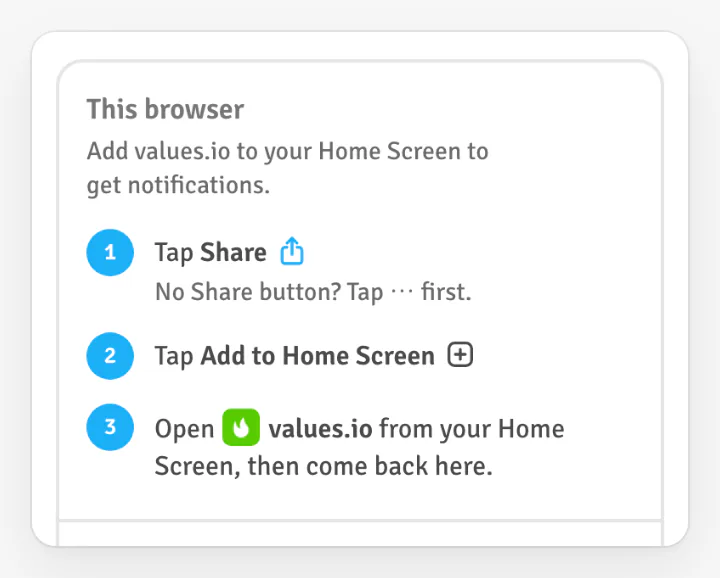
Open values.io from your Home Screen
Sign in there, then tap Notify me or Turn on again. Say Allow.
This needs iOS 16.4 or newer. Check in Settings → General → Software Update.
Still stuck? Email [email protected] and we’ll help.