
Choose who can message you
Everyone, only people you traded with, or nobody.
Open Settings
Press your picture at the top right, then Settings. On phones: You, then ···.
Open Privacy
Under Who can message you, pick Everyone, People I traded with or Nobody.
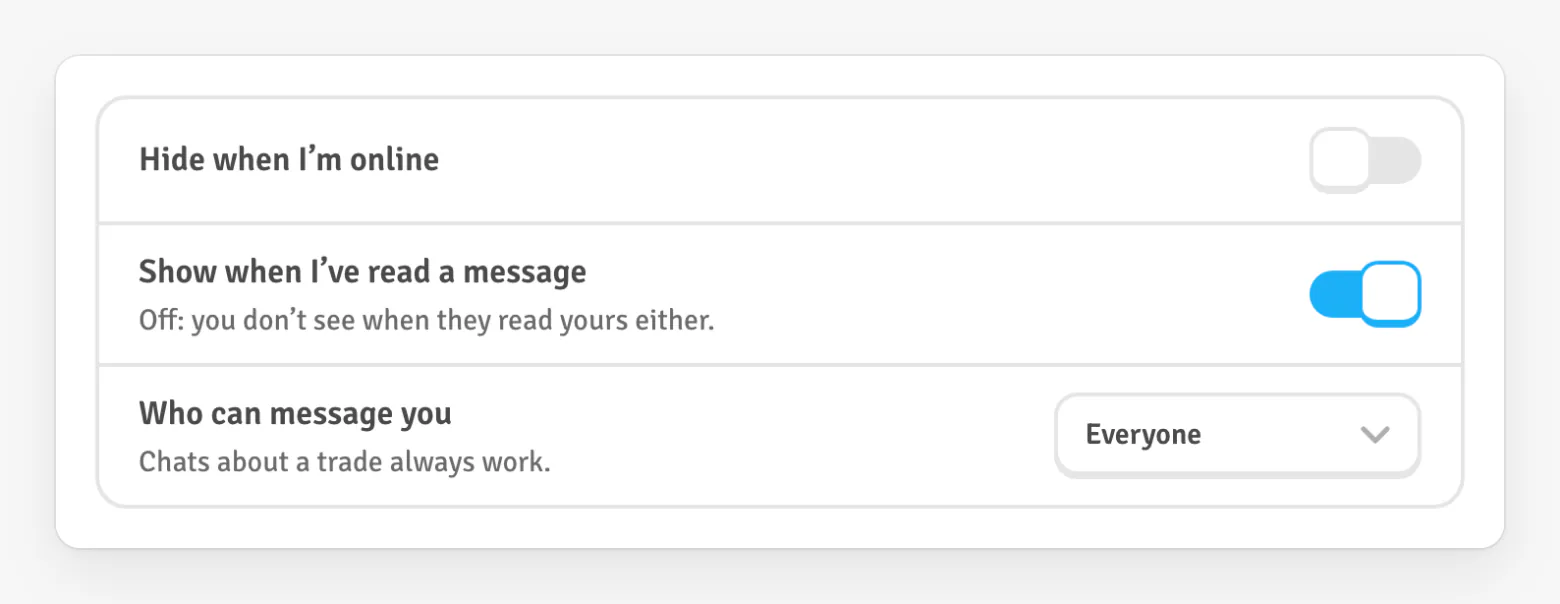

The two people in a trade can always chat about it.
In the same place: Hide when I’m online, and Show when I’ve read a message.
Still stuck? Email [email protected] and we’ll help.